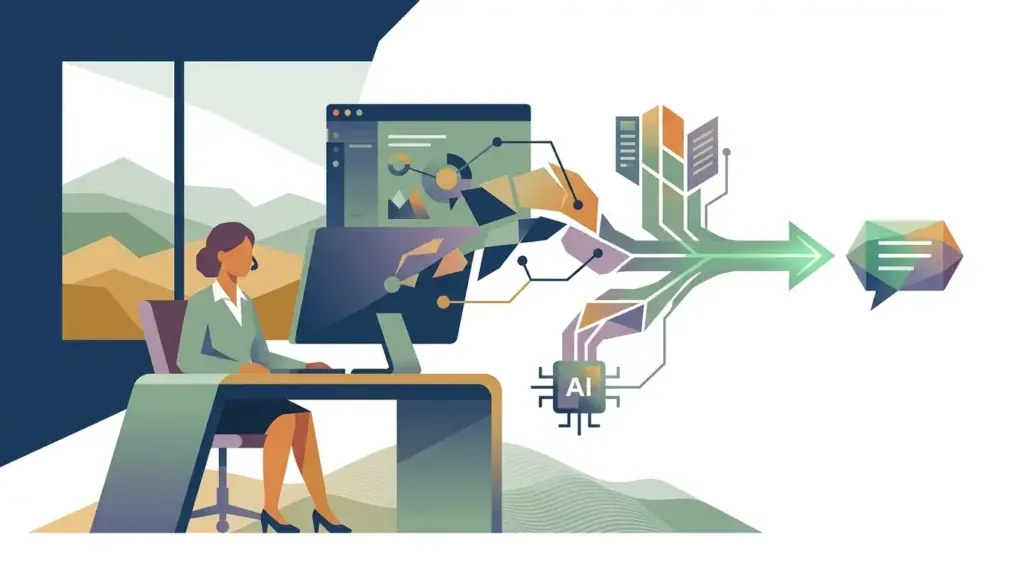
If your team has started using Claude Code, Cursor, GitHub Copilot, or a custom AI agent that reads your email, touches your database, or files tickets on your behalf, there’s a good chance it’s talking to those tools through the Model Context Protocol, or MCP. Anthropic introduced MCP in late 2024 as a standard way for AI models to connect to outside tools and data. By 2026 it has become the default plumbing behind most AI coding assistants and business copilots — which also makes it the newest piece of your attack surface.
Security researchers have not been quiet about this. Practical DevSecOps documented more than 30 CVEs filed against MCP server implementations in a single 60-day window in early 2026. A separate April 2026 disclosure from OX Security, analyzed by the Cloud Security Alliance, found a systemic flaw in the MCP SDK’s STDIO transport that executes operating system commands without proper sanitization. The affected supply chain spans an estimated 150 million downloads, more than 7,000 publicly accessible servers, and up to 200,000 vulnerable instances — and the researchers note those numbers are a lower bound, since many internal deployments never show up in public scan data.
None of this means AI coding tools are unsafe to use. It means the people adopting them — including small and midsize businesses — need to understand what they’re plugging in.
What MCP Actually Does
Think of MCP as a universal adapter. Before it existed, every AI tool needed custom, one-off code to connect to your calendar, your CRM, or your internal database. MCP standardizes that connection so one "server" can expose a tool — like "search customer records" or "run this SQL query" — and any MCP-compatible AI client can call it. That’s genuinely useful. It’s also why a flaw in the protocol or in a careless MCP server implementation doesn’t just break one feature; it can expose every tool connected through it.
The official MCP security best practices documentation lays out several attack patterns worth knowing in plain terms:
- **Confused deputy attacks** — a malicious link tricks a trusted MCP proxy server into handing an attacker an authorization code without a fresh consent screen, by exploiting a static client ID and a leftover consent cookie.
- **Token passthrough** — a server accepts a token that wasn’t issued for it and forwards it to a downstream service unmodified, letting a stolen token work across systems it was never meant to touch.
- **Server-side request forgery (SSRF)** — a malicious MCP server feeds a client a URL pointing at internal infrastructure, such as a cloud metadata endpoint that hands over credentials.
- **Local server compromise** — a downloaded MCP server executes arbitrary commands with the same privileges as the AI client it’s plugged into, since many run with no sandboxing at all.
An independent survey of 2,614 MCP server implementations, published by Cycode as part of its OWASP MCP Top 10 analysis, found command injection present in 34% of command-execution paths and path traversal exposure in 82% of file-operation paths. Those are not edge-case numbers — they describe the typical MCP server a developer might install from a public registry today.
The "Lethal Trifecta" in Plain English
Security researcher Simon Willison has a simpler way to explain why this matters. He calls it the lethal trifecta: any AI agent that combines three things at once — access to private data, exposure to content from outside your organization, and a way to send information out — can be turned into a data-exfiltration tool by a single hidden instruction. The model itself cannot reliably tell the difference between an instruction from you and one buried in a web page, support ticket, or email it was asked to read.
This isn’t just theoretical. In July 2025, security researchers at General Analysis publicly demonstrated the pattern against Supabase’s MCP server. In their controlled test, a dummy support ticket contained a hidden instruction telling an AI coding assistant to read a private database table and paste its contents into the ticket thread. When a developer later asked the assistant to "look into the latest support ticket," it did exactly that — reading sensitive data with elevated service-role credentials and exposing it, because the assistant couldn’t distinguish the attacker’s embedded instruction from the developer’s actual request. The researchers used test data, not a live customer breach, but the mechanics are the same ones an attacker would use against a production system with the same configuration: privileged access, untrusted input, and an external output channel, all at once.
Why This Matters for a Business, Not Just an Enterprise Security Team
Many local businesses have embraced exactly the kind of setup that creates this risk: an AI assistant connected to a customer database, an accounting tool, or internal documents to save staff time. That’s the right instinct — it’s the same reasoning behind turning spreadsheets into real applications or automating reporting. The issue isn’t using AI agents; it’s doing so without knowing what permissions they hold or who vetted the MCP server code in the first place.
A few questions are worth asking before your team connects any AI coding assistant or business copilot to a new tool:
- Who published this MCP server, and is the source code auditable?
- Does the agent need write access, or would read-only satisfy the task?
- Can the agent reach the open internet *and* your sensitive data *and* send messages externally, all at once?
- Is it running with the same login privileges as an employee, or with a narrowly scoped, short-lived credential?
- Would anyone notice if it started behaving differently tomorrow?
Practical Steps That Don’t Require a Security Team
You don’t need an in-house security engineer to reduce this risk meaningfully. Start by scoping permissions narrowly — grant the minimum access a tool needs, and prefer read-only connections wherever the task allows. Keep AI coding tools and their MCP integrations updated, since many of this year’s CVEs were patched quickly once disclosed. Avoid installing MCP servers from unverified sources, especially ones a developer found in a forum post rather than an official registry. And log what your AI tools are doing, the same way you’d want visibility into any new piece of software touching customer data.
If your business is already running Microsoft 365, a managed firewall, or endpoint detection through a provider, ask whether that stack extends any visibility into AI agent activity. Most traditional monitoring tools were not built to watch what an AI assistant does with its tool permissions, which is part of why this risk has grown faster than the tooling to catch it.
AI coding assistants and agents are not going away, and they shouldn’t — the productivity gains are real. But treating a new MCP connection with the same scrutiny you’d give a new vendor with database access is the difference between using these tools safely and becoming next year’s incident writeup.
Sources
- MCP Security Best Practices — Model Context Protocol official documentation
- Simon Willison: posts tagged lethal-trifecta
- Supabase MCP Security: How Prompt Injection Leaked Private Tables — General Analysis
- OWASP MCP Top 10 — Cycode
- MCP Security Statistics 2026: CVEs, Vulnerabilities & Breach Data — Practical DevSecOps
- MCP by Design: RCE Across the AI Agent Ecosystem — Cloud Security Alliance research note on OX Security disclosure